Why Document This?
Every time I need to do a fresh install or get a new Mac, I install these essential apps/tools. With Agentic AI taking the software industry by storm, I have drastically updated my workflow.
Homebrew
Before anything else, install Homebrew. It’s the package manager macOS should have shipped with.
/bin/bash -c "$(curl -fsSL https://raw.githubusercontent.com/Homebrew/install/HEAD/install.sh)"Once installed, most CLI tools and even GUI apps can be installed with a single command.
 Homebrew
Claude Code
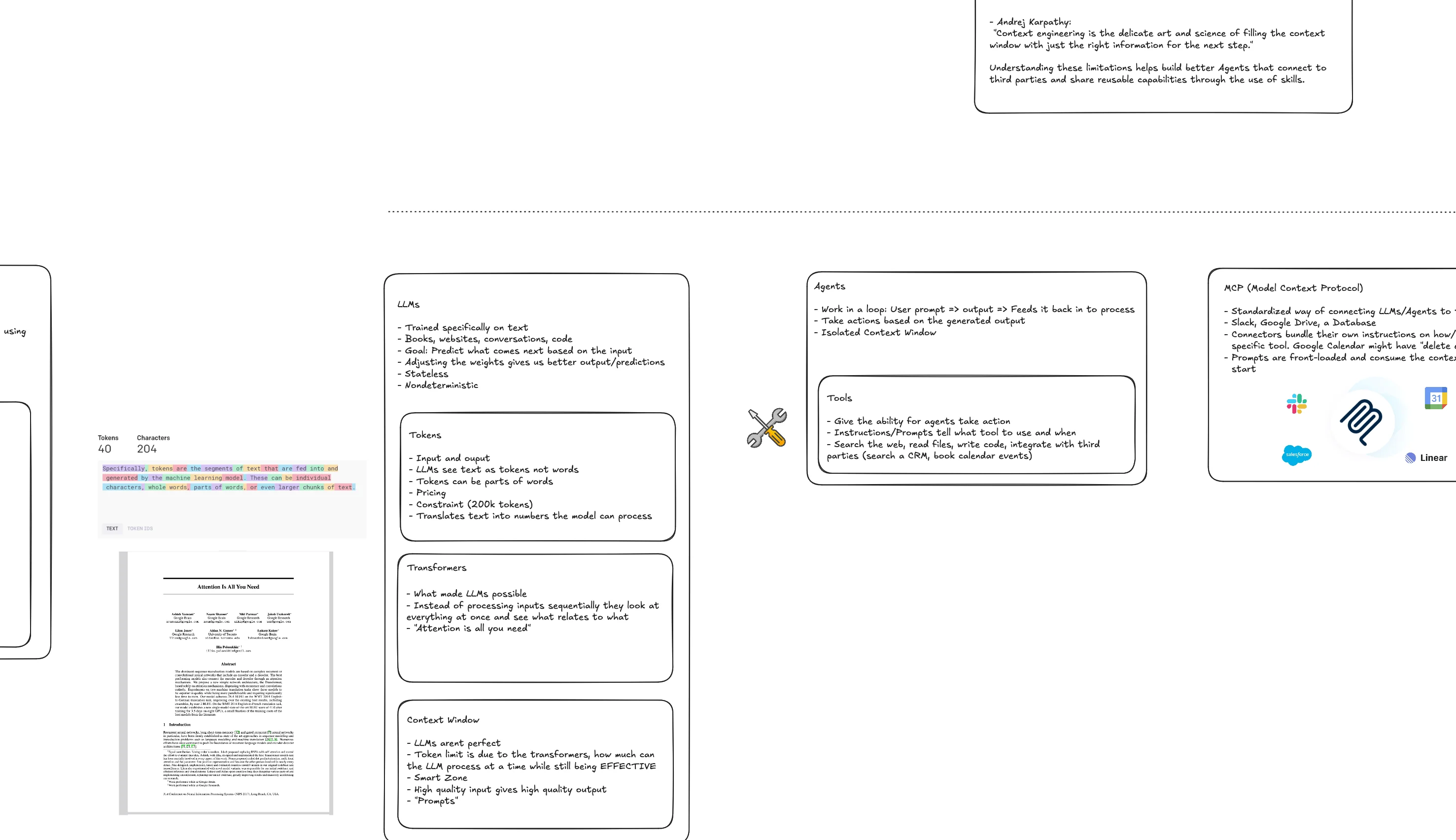
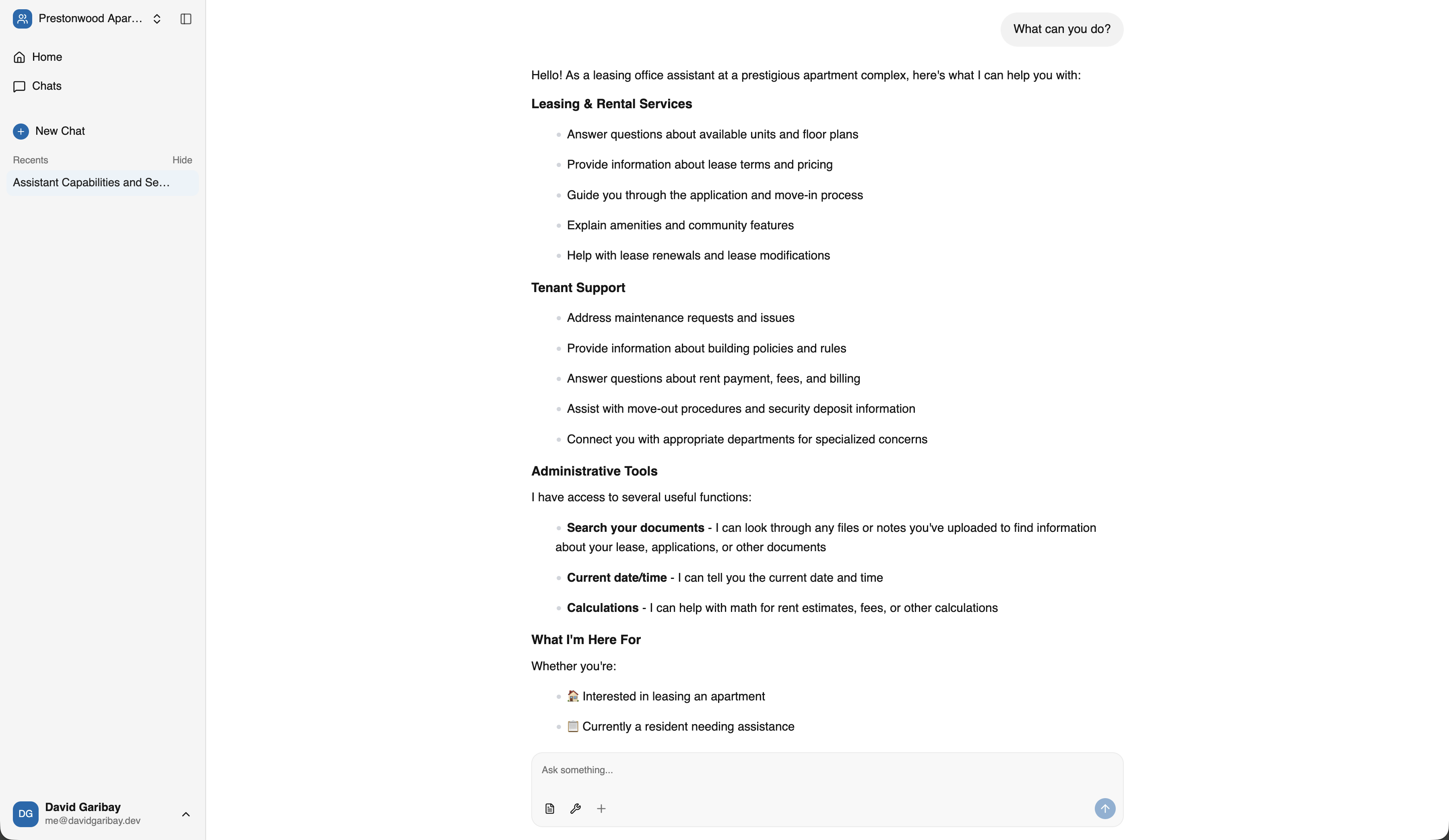
Claude Code is Anthropic’s agentic coding tool. Having an AI assistant that can read your codebase, run commands, and help you debug is a game changer. This is the main reason I set up my environment the way I do now.
curl -fsSL https://claude.ai/install.sh | bash Claude Code
Under Evaluation
Tools I’m currently testing out:
Agentic AI Tools
- Google Antigravity - Google’s VS Code fork for agentic coding. Only entertaining it since I got 6 months free with my new phone.
- OpenCode - Open source agentic coding CLI. Curious about open source alternatives.
- DeepAgents CLI - Another agentic AI tool I’m experimenting with but from my new favorite Agentic AI framework (langraph/langchain).
- Raycast - Considering switching from Spotlight.
- Warp - Trying out as a terminal replacement.
- CodeRabbit - AI-powered code review tool, im still not convinced though.
CLI Tools
NVM (Node Version Manager)
NVM lets you switch between Node.js versions easily. Different projects need different versions, and nvm makes that painless.
curl -o- https://raw.githubusercontent.com/nvm-sh/nvm/v0.40.1/install.sh | bashUV
UV is a fast Python package manager written in Rust. It’s way faster than pip and handles virtual environments cleanly.
curl -LsSf https://astral.sh/uv/install.sh | shAerospace
Aerospace is a tiling window manager for macOS. If you’ve used i3 on Linux, this gives you similar functionality. I can’t go back to manually resizing windows.
brew install --cask aerospace Aerospace
USQL
USQL is a universal CLI for databases. One tool to query PostgreSQL, MySQL, SQLite, and more.
brew install usql USQL
USQLGitHub CLI
The GitHub CLI makes working with GitHub from the terminal way easier. Creating PRs, checking CI status, cloning repos.
brew install gh
gh auth login
Gitea CLI (tea)
The Gitea CLI is useful for interacting with Gitea instances from the terminal. Similar to GitHub CLI but for self-hosted Gitea.
brew install tea Gitea CLI
IDEs and Editors
VS Code
VS Code is where I spend most of my time.
 VS Code
API Testing
Insomnia
Insomnia for API testing. It’s like Postman but feels cleaner to me.
 Insomnia
SSH Setup
Generate an SSH Key
ssh-keygen -t ed25519 -C "{REPLACE_ME}"Productivity Apps
Xmind
Xmind for mind mapping and brainstorming. When I’m planning a feature or trying to understand a complex system, visual mapping helps me think through it.
 Xmind
XmindNotesnook
Notesnook is my note-taking app of choice. It’s end-to-end encrypted and works across all my devices.
 Notesnook
Firefox
Firefox is my daily driver. I switched back to it once they added vertical tabs. I still use chrome everyonce in a while though.
 Firefox
Password Managers
I use two password managers for different purposes:
1Password
1Password for most day-to-day passwords. The browser extension and autofill work great.
 1Password
KeePassXC
KeePassXC for offline, air-gapped secrets. Some things I don’t want synced to the cloud. KeePassXC stores everything locally in an encrypted database.
 KeePassXC
What’s Next
This list keeps evolving. The goal is to go from a fresh Mac to a fully productive dev environment in under an hour. I’m not quite there yet, but documenting everything is the first step toward a fully automated setup script.